
MEPCO Bill Without Reference Number – Is It Possible?
Have you lost your MEPCO electricity bill and don’t remember your reference number? Many electricity consumers face this problem when they want to check their monthly bill online, download a duplicate copy, or verify their payment details.
The good news is that you may still be able to check your MEPCO bill without a reference number. The official online billing system also provides an alternative search option through your Customer ID.
In this guide, we will explain how to check your MEPCO bill without a reference number, where to find your Customer ID, whether you can use your CNIC or meter number, and what to do if you have lost all your previous bills.
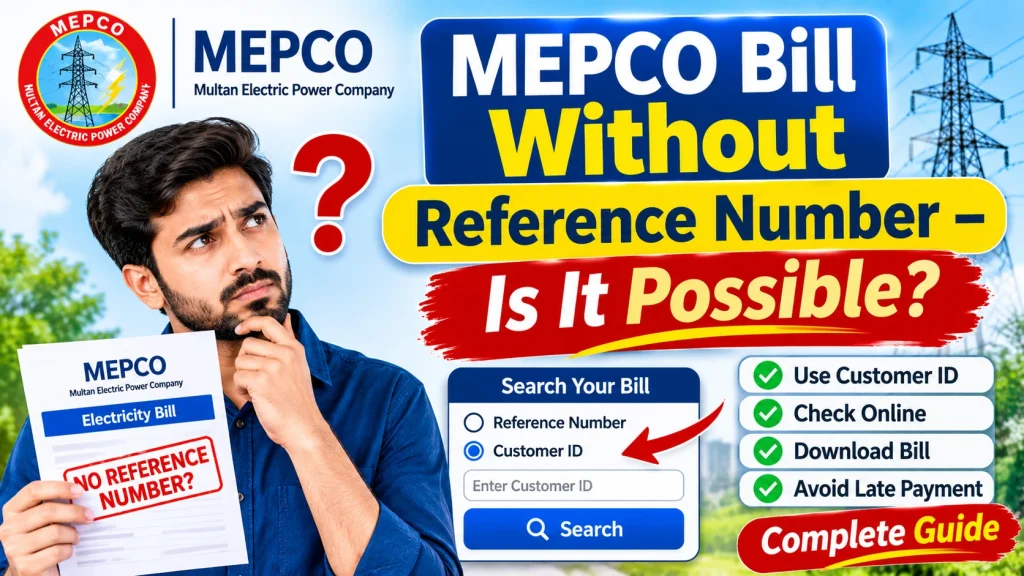
Can You Check MEPCO Bill Without Reference Number?
Yes, you can check your MEPCO electricity bill without entering the 14-digit reference number if you have your 10-digit Customer ID.
The official MEPCO online billing system, powered by the Power Information Technology Company (PITC), provides two main search options:
- 14-digit Reference Number
- 10-digit Customer ID
If you do not have your reference number, select the Customer ID option and enter your Customer ID to retrieve your electricity bill.
However, you cannot directly search for your bill using only your name, CNIC, or meter number through the standard MEPCO online bill portal.
This makes the Customer ID a useful alternative for consumers who have misplaced their previous electricity bills.
How to Check MEPCO Bill Without Reference Number Online
If you have your Customer ID, follow these simple steps to check your latest MEPCO electricity bill.
Step 1: Visit the Official MEPCO Bill Portal
Open the official PITC MEPCO online bill checking page:
This portal allows MEPCO consumers to access their latest electricity bills online.
Step 2: Select the Customer ID Option
When the bill checking page opens, look for the available search options.
Instead of selecting Reference Number, choose Customer ID.
Step 3: Enter Your Customer ID
Enter your 10-digit Customer ID in the provided field.
Make sure that you enter all digits correctly to avoid search errors.
Step 4: Complete Verification If Required
If the portal displays a verification or CAPTCHA requirement, complete it according to the instructions.
Step 5: Click the Search Button
After entering your Customer ID, click the Search button.
The system will process your information and retrieve the available electricity bill.
Step 6: View or Download Your MEPCO Bill
Once your bill appears, check the following details:
- Consumer name
- Billing month
- Electricity units consumed
- Total payable amount
- Due date
- Previous balance
- Current meter reading
You can print the bill or save it as a PDF for future use.
Where Can You Find Your MEPCO Customer ID?
If you do not know your Customer ID, there are several ways to find it.
1. Check Your Previous Electricity Bill
The easiest method is to find an old MEPCO electricity bill.
Your Customer ID is printed in the consumer information section of the bill.
Look near the reference number and consumer details at the top of your electricity bill.
2. Check an Old Bill PDF
If you previously downloaded your MEPCO bill, search your phone or computer for the saved PDF.
Open the document and look for the Customer ID field.
3. Check Your Payment History
If you paid your previous electricity bill through a banking application or mobile wallet, check your transaction history.
Your saved biller details or payment records may help you identify your connection information.
4. Contact Your Local MEPCO Office
If you cannot find your Customer ID anywhere, visit your nearest MEPCO customer service center or subdivision office.
Provide your connection details and available identification documents so the staff can help locate your electricity account.
Can I Check MEPCO Bill by CNIC Number?
Many consumers search for MEPCO bill check by CNIC because they have lost their previous electricity bills.
However, the standard official PITC MEPCO bill portal does not provide a direct CNIC-based bill search option.
You cannot simply enter your CNIC number and expect the latest electricity bill to appear.
But your CNIC can still help you recover your account information.
You can visit your local MEPCO office and request assistance in finding your reference number or Customer ID.
For your safety, avoid websites that request your CNIC, OTP, banking PIN, or other sensitive information while claiming to provide instant electricity bills.
Can I Check MEPCO Bill by Meter Number?
A meter number identifies your physical electricity meter, but it is not one of the standard search options on the official MEPCO online billing portal.
The online system primarily supports:
- Reference Number
- Customer ID
If you only have your meter number, contact the concerned MEPCO subdivision office.
Provide your meter number and property information so the staff can help identify your electricity connection.
Once you obtain your reference number or Customer ID, you can use the online bill checking facility.
What If You Have Lost Your Old MEPCO Bill?
Losing your previous electricity bill does not mean you cannot access your monthly billing information.
You can try the following methods:
- Ask a family member if they have a saved copy of your previous electricity bill.
- Check your email or WhatsApp for an old bill PDF or image.
- Review your banking application or mobile wallet payment history.
- Contact your local MEPCO customer service center.
- Request assistance in recovering your reference number or Customer ID.
After recovering your account details, save them somewhere safe so you do not face the same problem again.
How to Download a Duplicate MEPCO Bill
After successfully retrieving your electricity bill, you can download or print a duplicate copy.
Follow these steps:
- Open the official MEPCO bill checking portal.
- Enter your reference number or Customer ID.
- Click Search.
- Wait for your current electricity bill to appear.
- Open the print option in your browser.
- Select Save as PDF to download a copy.
You can keep this PDF on your mobile phone or computer for future reference.
A downloaded duplicate bill can also help when you need to check your due date or verify your monthly electricity charges.
Why Is My MEPCO Bill Not Showing Online?
Sometimes consumers enter their information correctly but still cannot retrieve their electricity bills.
Here are some common reasons.
Incorrect Customer ID
Entering an incorrect digit can prevent the billing system from finding your account.
Double-check all 10 digits before searching again.
Incorrect Search Option
If you enter your Customer ID in the Reference Number field, the system may not recognize it.
Make sure you select the correct search option.
New Electricity Connection
If your electricity connection is new, its billing information may not yet be available in the online system.
Wait until the first bill is generated or contact MEPCO for assistance.
Temporary Website Problem
The online billing portal may occasionally experience technical problems or slow loading.
Try refreshing the page or checking again after some time.
Connection Information Has Changed
If your meter has recently been replaced or your connection information has been updated, contact your local MEPCO office to confirm the correct account details.
Official MEPCO Bill Checking and Customer Support
For accurate billing information, always use official MEPCO and PITC services.
Here are some useful resources:
| Service | Official Link |
|---|---|
| MEPCO Online Bill | https://bill.pitc.com.pk/mepcobill |
| MEPCO Official Website | https://www.mepco.com.pk/ |
| PITC Complaint Management | https://ccms.pitc.com.pk/ |
| Electricity New Connection | https://enc.com.pk/ |
If you experience a billing problem, you can also contact MEPCO through its customer support channels or visit the relevant subdivision office.
Frequently Asked Questions (FAQs)
1. Can I check my MEPCO bill without a reference number?
Yes. You can use your 10-digit Customer ID instead of your 14-digit reference number on the official MEPCO bill checking portal.
2. How can I find my MEPCO Customer ID?
Check your previous electricity bill. Your Customer ID is printed in the consumer information section. You can also request assistance from your local MEPCO office.
3. Can I check my MEPCO bill using my CNIC?
The standard official MEPCO online bill portal does not offer a direct CNIC search option. You can use your CNIC when contacting a MEPCO customer service center to help recover your connection details.
4. Can I check my MEPCO bill by meter number?
The official online billing portal does not provide a standard meter-number search option. Contact your local MEPCO office to identify your account using your meter details.
5. Is MEPCO online bill checking free?
Yes. You can access your electricity bill through the official online billing portal without paying a bill-checking fee.
6. Can I download a duplicate MEPCO bill online?
Yes. After retrieving your electricity bill, use the print option to save it as a PDF or print a physical copy.
7. What is the difference between a reference number and Customer ID?
A reference number is a 14-digit identifier used to locate your electricity connection. Customer ID is another connection identifier, generally consisting of 10 digits, which can also be used for online bill searching.
8. What should I do if my Customer ID is not working?
Check the digits carefully and make sure you have selected Customer ID instead of Reference Number. If the problem continues, contact your local MEPCO office.
9. Can I check someone else’s MEPCO bill?
If you have the correct reference number or Customer ID, you may be able to retrieve the corresponding bill. Only use this information for legitimate purposes and respect the consumer’s privacy.
10. How can I avoid losing my MEPCO reference number again?
Save your reference number and Customer ID in your phone notes or keep a PDF copy of your latest electricity bill.
Final Words
Checking your MEPCO bill without a reference number is possible if you have your 10-digit Customer ID.
The official PITC billing portal provides both reference number and Customer ID search options, making it easier for consumers to access their electricity bills.
If you have lost both numbers, check your old payment records, saved bill copies, or contact your nearest MEPCO customer service center for assistance.
Always use official billing services and avoid sharing sensitive personal or banking information with unverified websites.
Keep your Customer ID and reference number saved so you can check, download, and manage your MEPCO electricity bills whenever needed.